


Watch: scheduling a cron job
Entering a command, the visual schedule builder, choosing the user, and where jobs appear. The written steps are below.
Overview
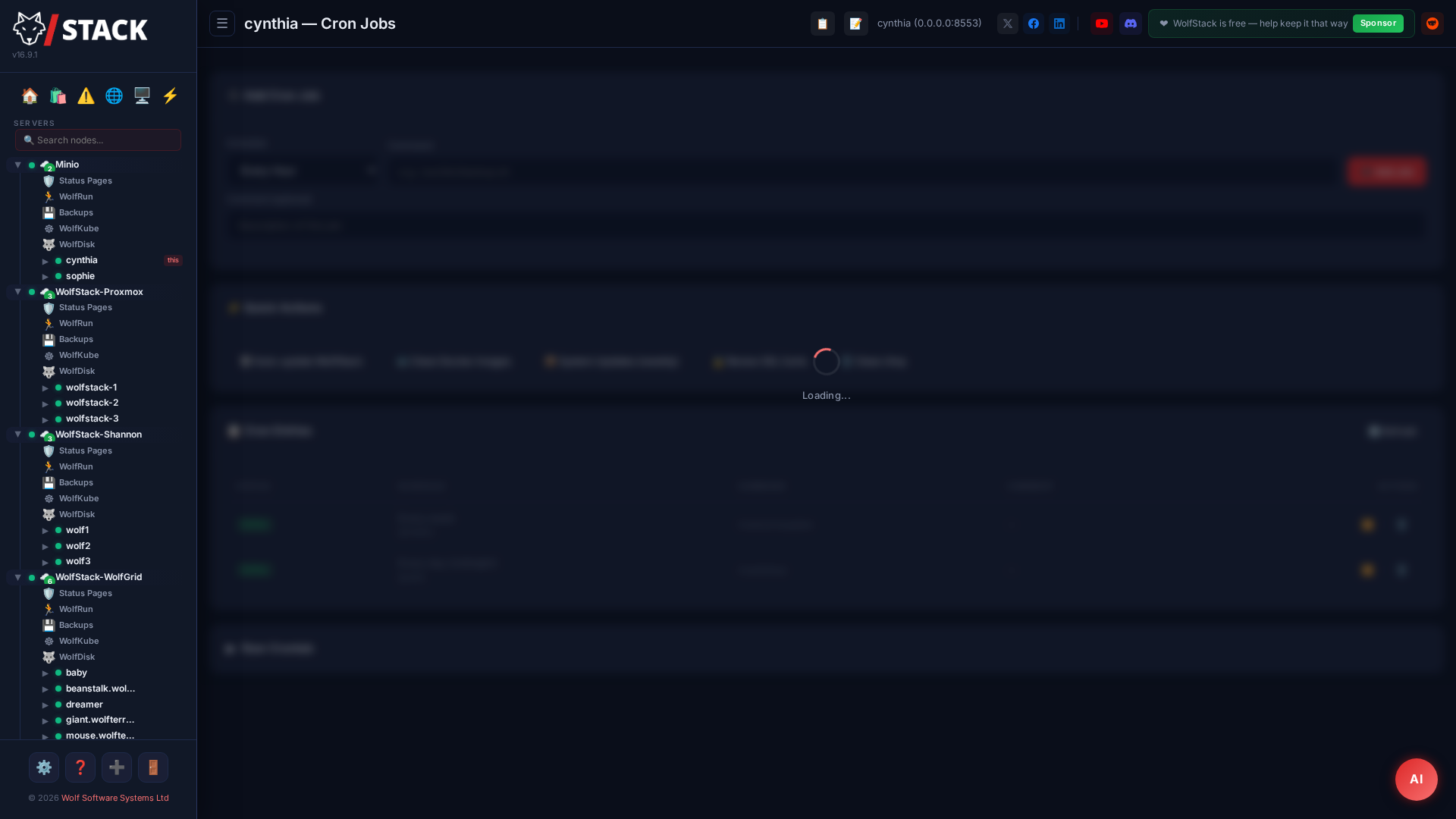
WolfStack’s Cron Manager lets you view, create, edit, and delete cron jobs on any node in your cluster from the web dashboard. No more SSH-ing into individual servers to manage scheduled tasks.
What you can do
- View all cron jobs for any user on any node
- Create new cron jobs with a visual schedule builder
- Edit existing cron entries in-place
- Delete cron jobs from the dashboard
- View cron job output and history
Scheduling a job — step by step
- Open the node in the sidebar and choose Cron. Existing jobs for each user are listed.
- Click Add Job.
- Enter the command to run (the full path to a script or binary, e.g.
/usr/local/bin/backup.sh). - Set the schedule with the visual builder — pick minute / hour / day-of-month / month / day-of-week, or type a raw cron expression like
0 3 * * *(every day at 3 am). A plain-English preview confirms when it will run. - Choose the user the job runs as, then click Save. The entry is written to that user’s crontab and fires on schedule.
To edit or remove a job later, use the actions on its row. Job output and last-run status appear inline so you can confirm it ran.
No cron daemon on your distro? New
Arch and Alpine ship zero cron by default — you pick one. Before v18.1, that meant cron-based features silently failed with a confusing "command not found". Now:
- System Check has a dedicated Scheduling category that flags the missing binary or stopped service with a red row.
- A 📦 Install button next to the row installs the right package for your distro (
cronon Debian,cronieon Arch/Fedora,cronon SUSE), enables the service, and starts it — all from the dashboard. One click. - The Cron page itself then starts working: jobs listed, jobs editable, cron fires them on schedule.
Prefer systemd timers? They're also fine — WolfStack's scheduled features don't require cron specifically, they just need a timer daemon. System Check flags the absence; the fix is your call.