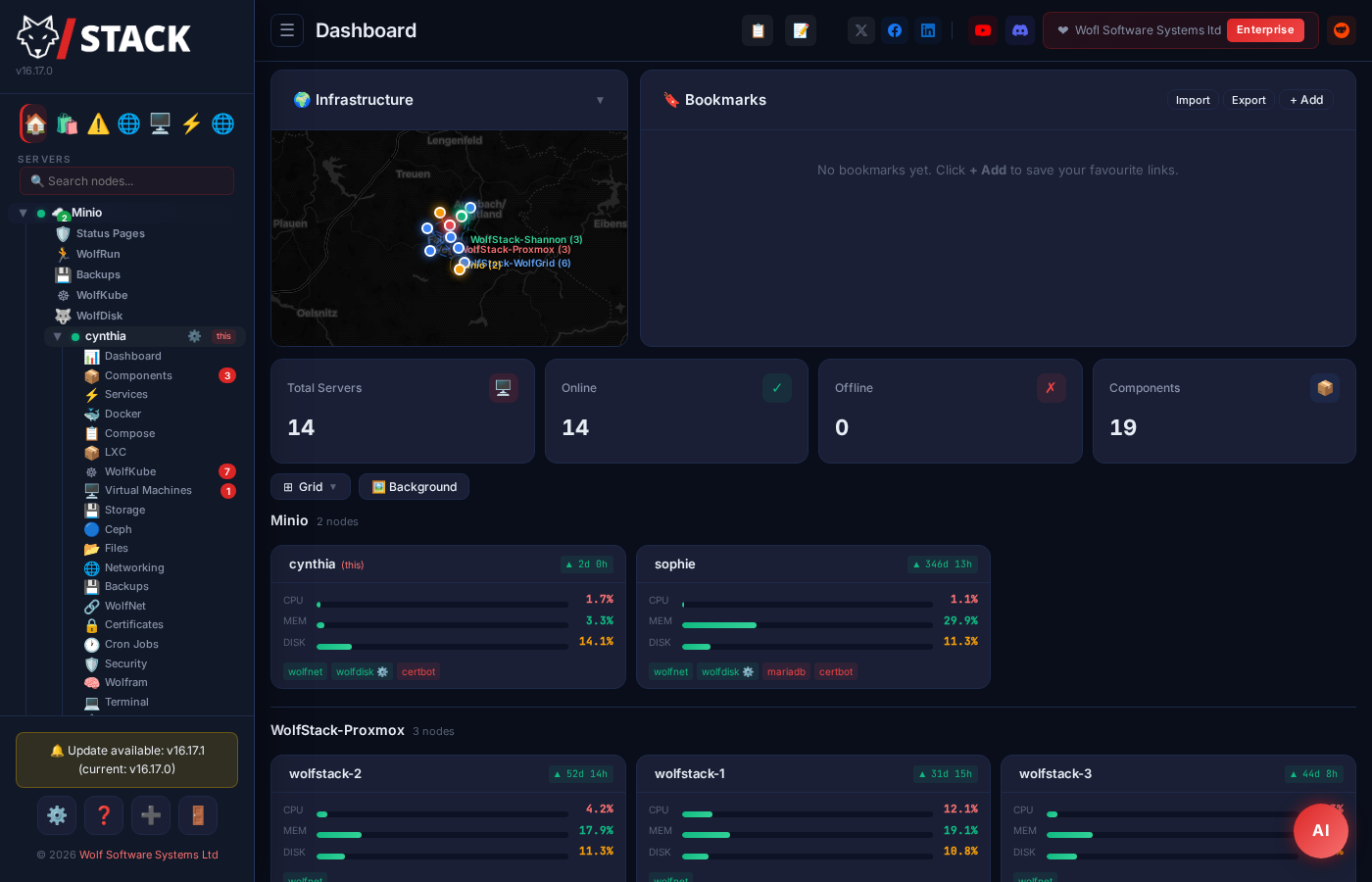


One binary.
Every server you run.
From Homelab, to Internet Service Provider.
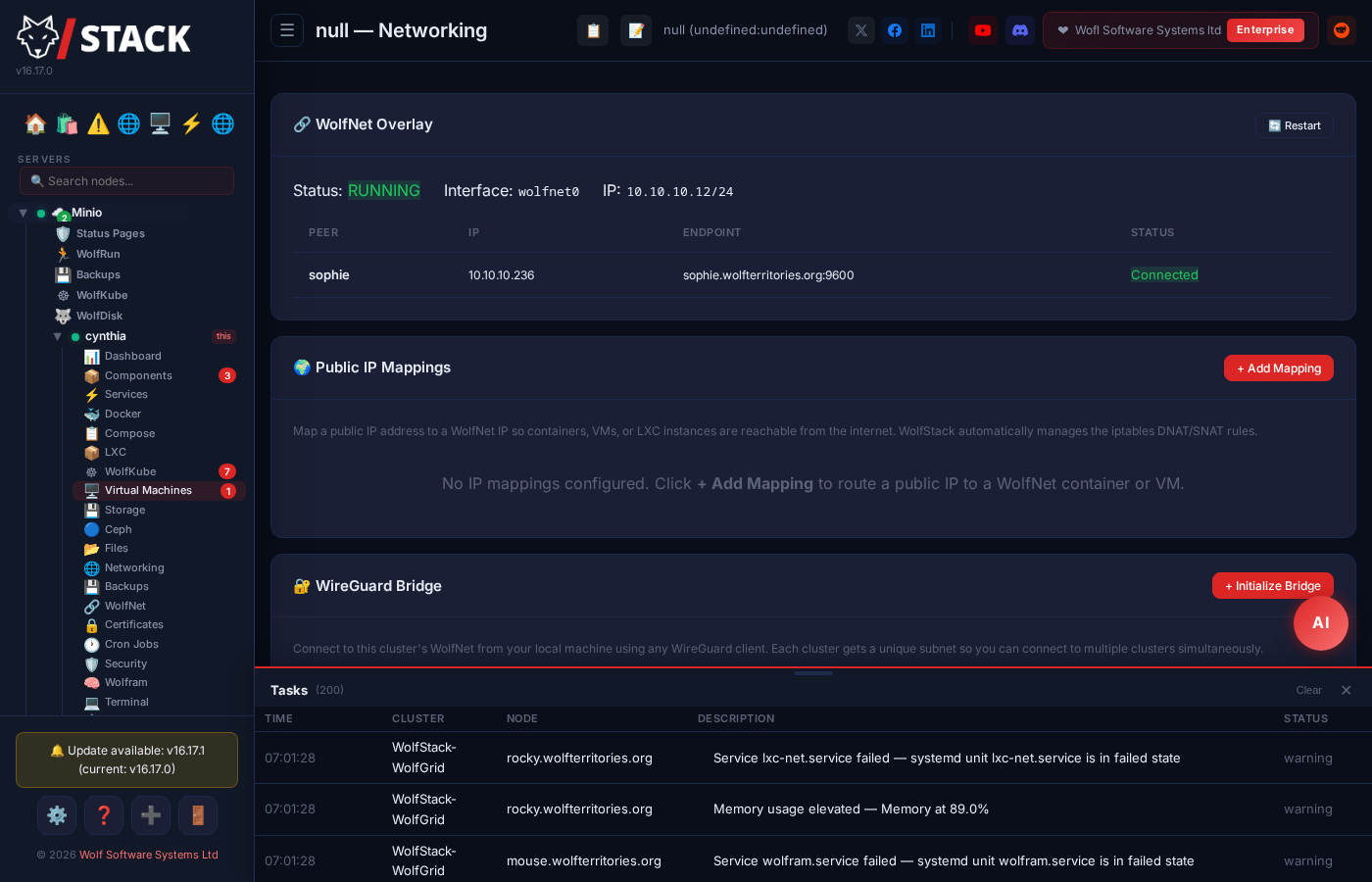
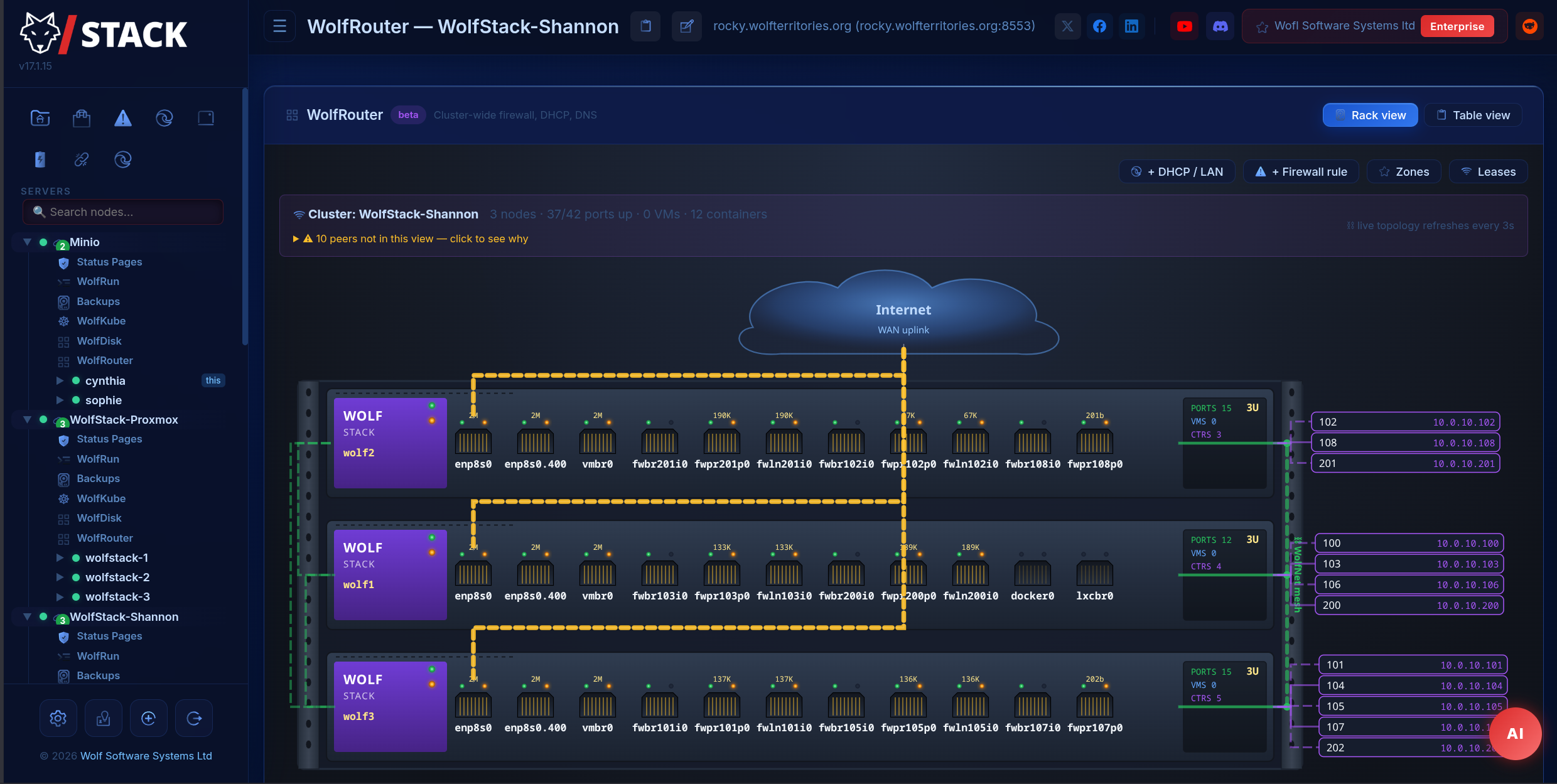
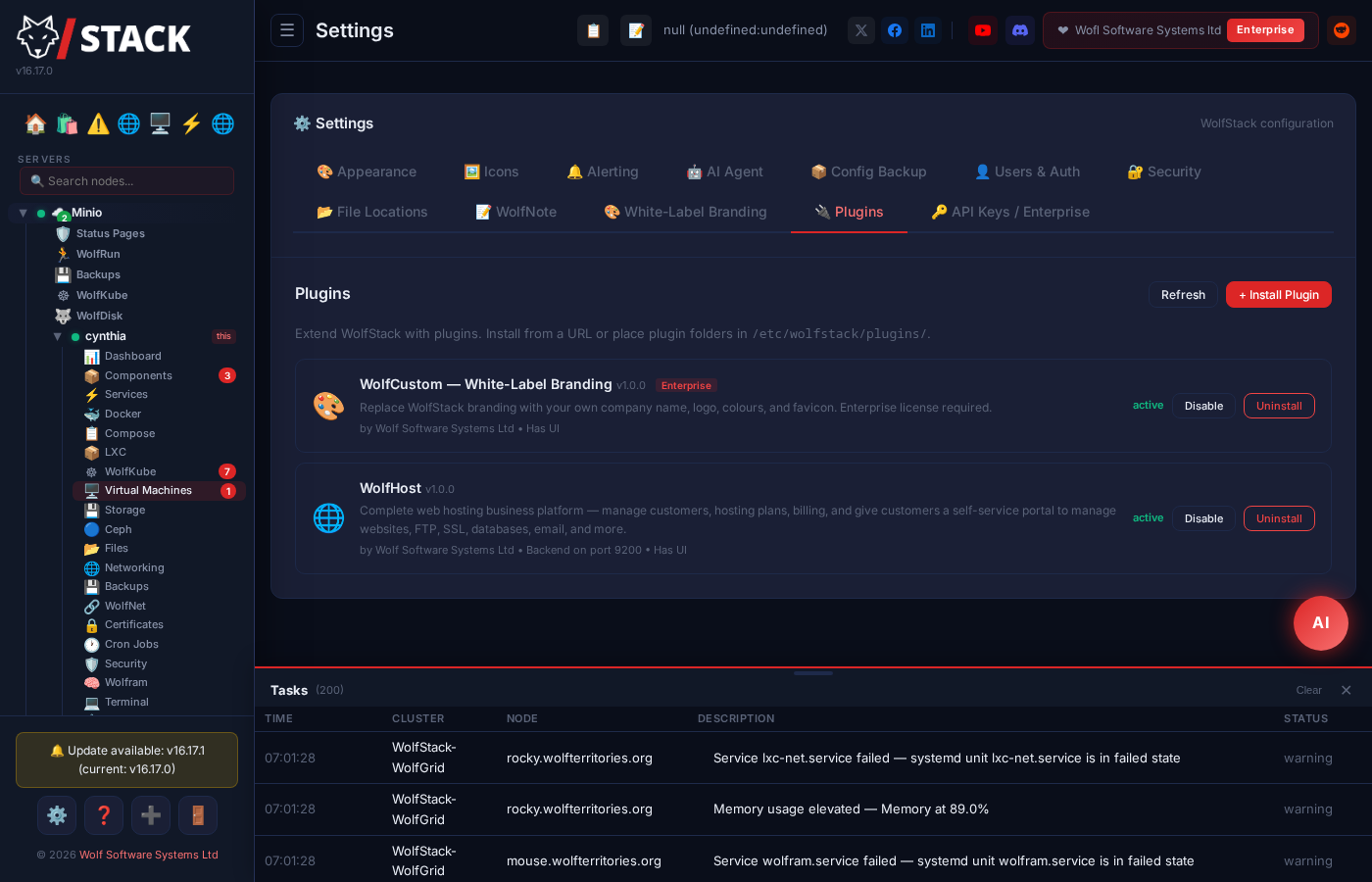
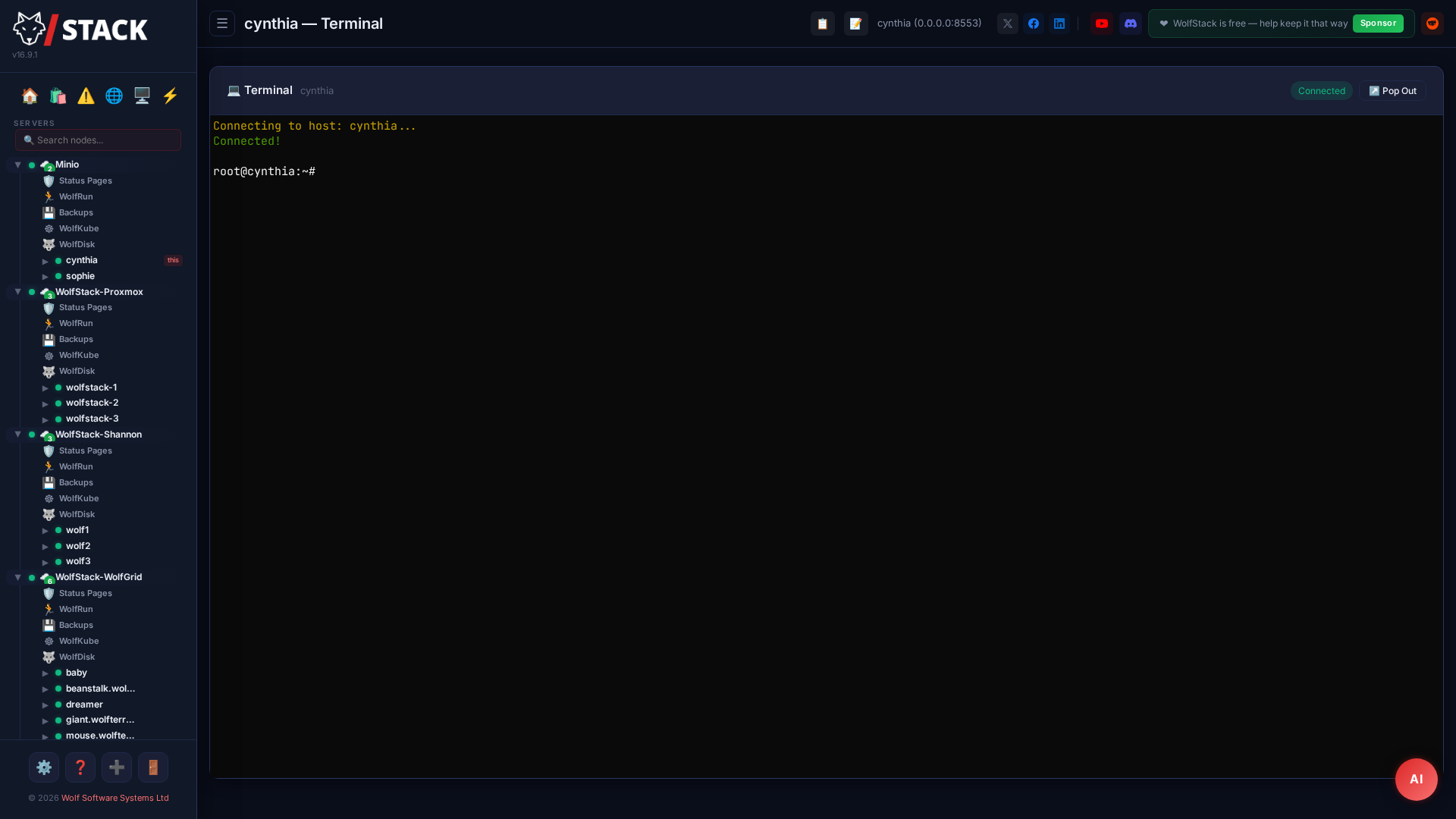
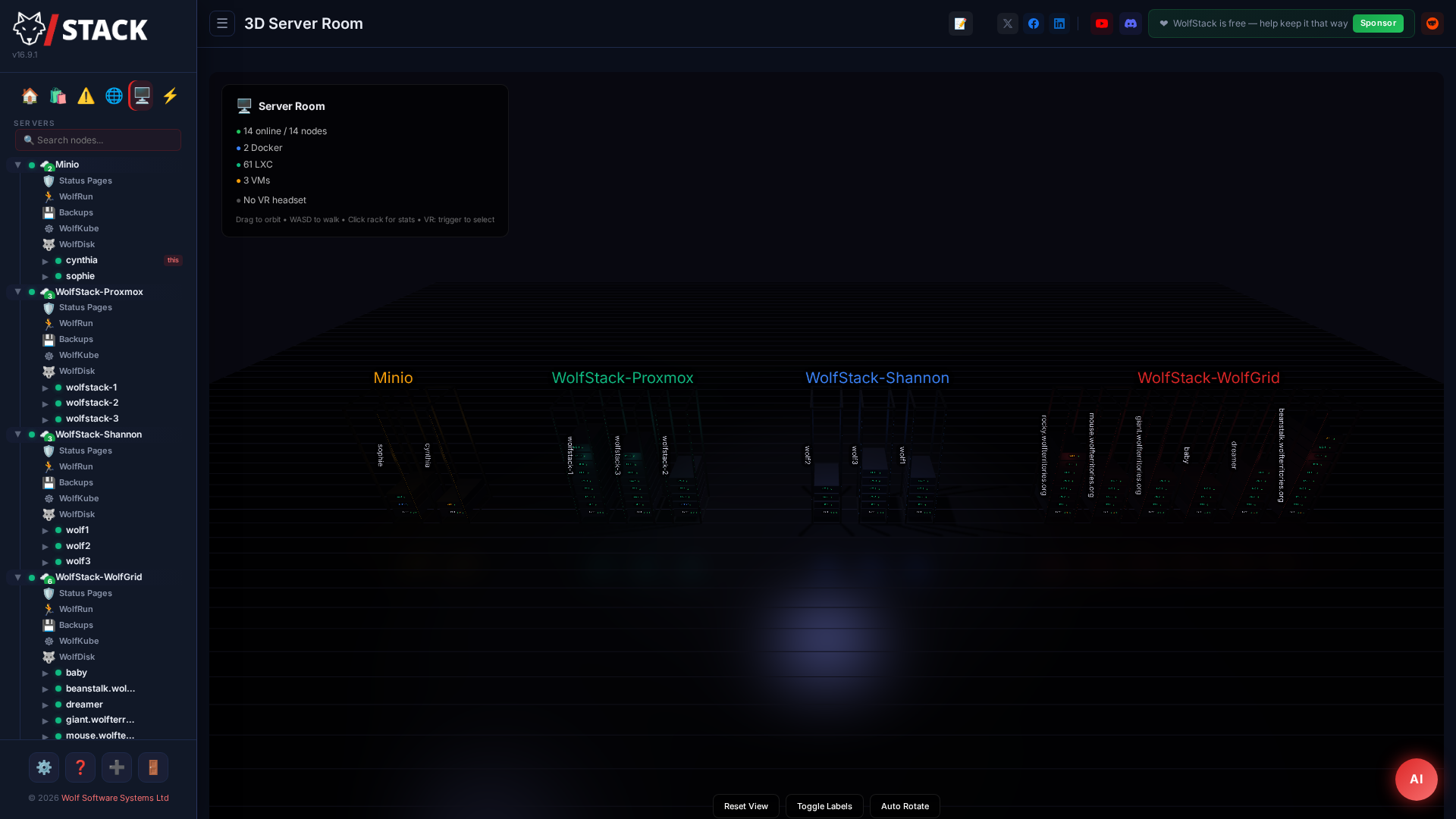
Docker, LXC, VMs, Kubernetes, networking, storage, backups, status pages and workflow automation — one dashboard, one login. Install in one command. No database required.
curl -sSL …/setup.sh | sudo bash
or see everything it does ↓
 Ubuntu
 Debian
 Fedora
 RHEL / CentOS
 openSUSE / SLES
 Arch Linux
 Proxmox VE
 Raspberry Pi
See it in action
“I tried WolfStack and couldn’t believe how easy it was.”
WolfStack is the server-management platform on this page. WolfScale is our separate multi-master MySQL/MariaDB replication product — easy to mix up, entirely optional.
WolfStack is my life.— Discord user
One dashboard. Less duct tape.
WolfStack folds the tools you'd usually wire up by hand into a single binary — and plays nicely with the platforms you already trust.
WolfStack does not replace your hypervisor or your overlay network — it sits alongside them. Install on a Proxmox node and WolfStack manages your VMs and LXC containers through the Proxmox API. Already on Tailscale or WireGuard? WolfStack picks up the existing tunnel. The optional in-house overlay (WolfNet) is there for operators who want a single binary for everything; the existing one is fine if you've already got it.
Built for production from day one
Encryption, storage, certificates, security — everything you’d normally bolt together yourself, integrated and ready out of the box.
HTTPS on day one
Auto-generated self-signed cert covers hostname, localhost, and every host IP. One-click Let’s Encrypt via 15 DNS providers including Cloudflare, Route53, OVH, and Hetzner.
Certificates →mdadm RAID and NoNRAID parity arrays
Manage software RAID and Unraid-style parity arrays from one panel. Scheduled parity checks, per-disk SMART, drive-fail alerts on Discord / Slack / email. The Unraid → Debian migration story, integrated.
Storage Array →Cluster-wide security controls
Emergency root rotation, kernel-level brute-force lockout, outbound scan detection, workload audit across LXC + VMs + Docker, cluster secret rotation, threat-intel blocklists. One page, every node.
Security →Seven distro families, every container runtime
Debian, Ubuntu, Fedora, RHEL, Arch, openSUSE, Alpine. Bare metal, KVM, Proxmox, LXC, unprivileged containers, Docker. Auto-detects runtime and adapts install paths.
Install →Built for real infrastructure
Not a toy dashboard. A production-grade platform for 1 to 200+ servers.
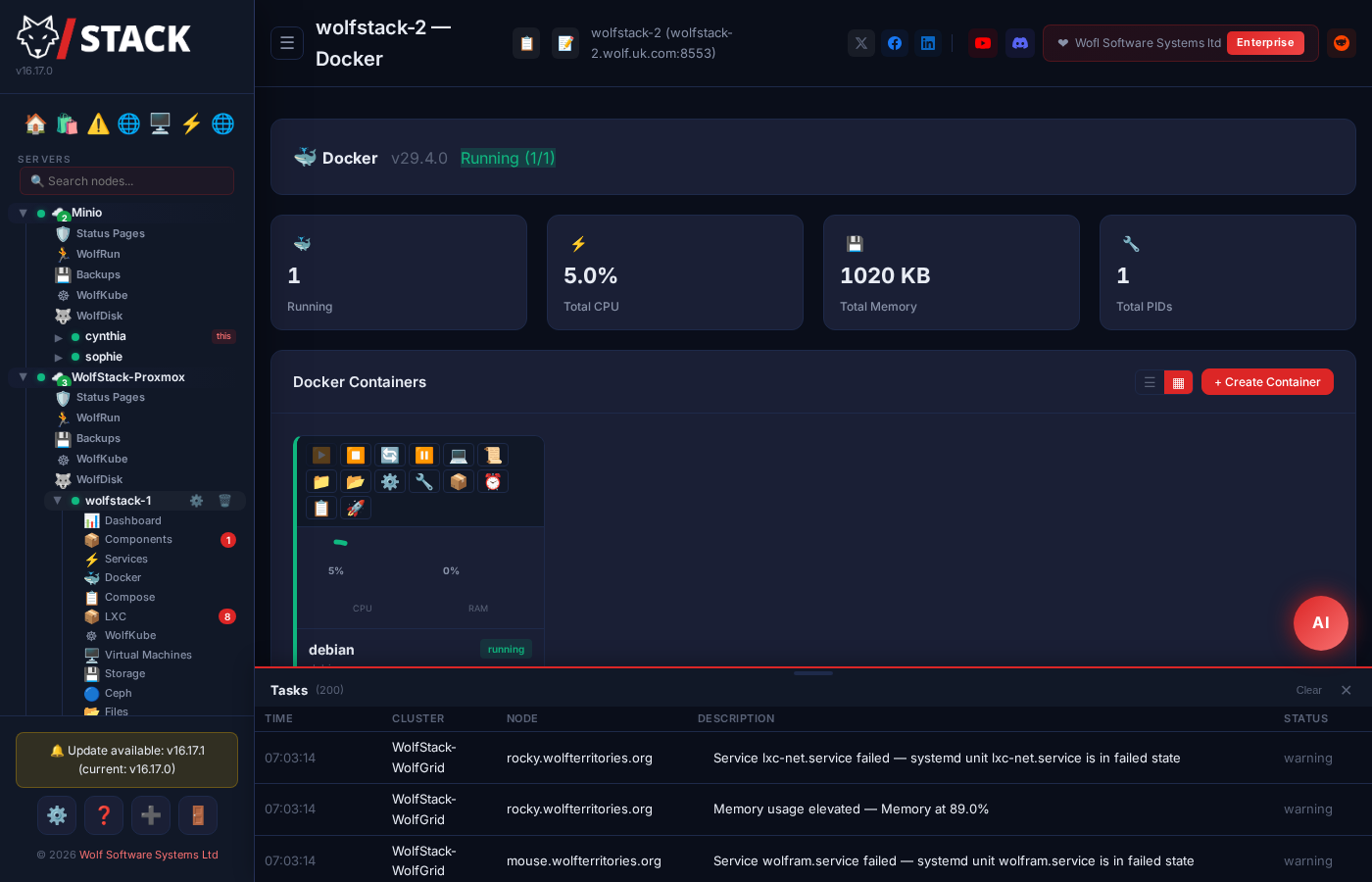
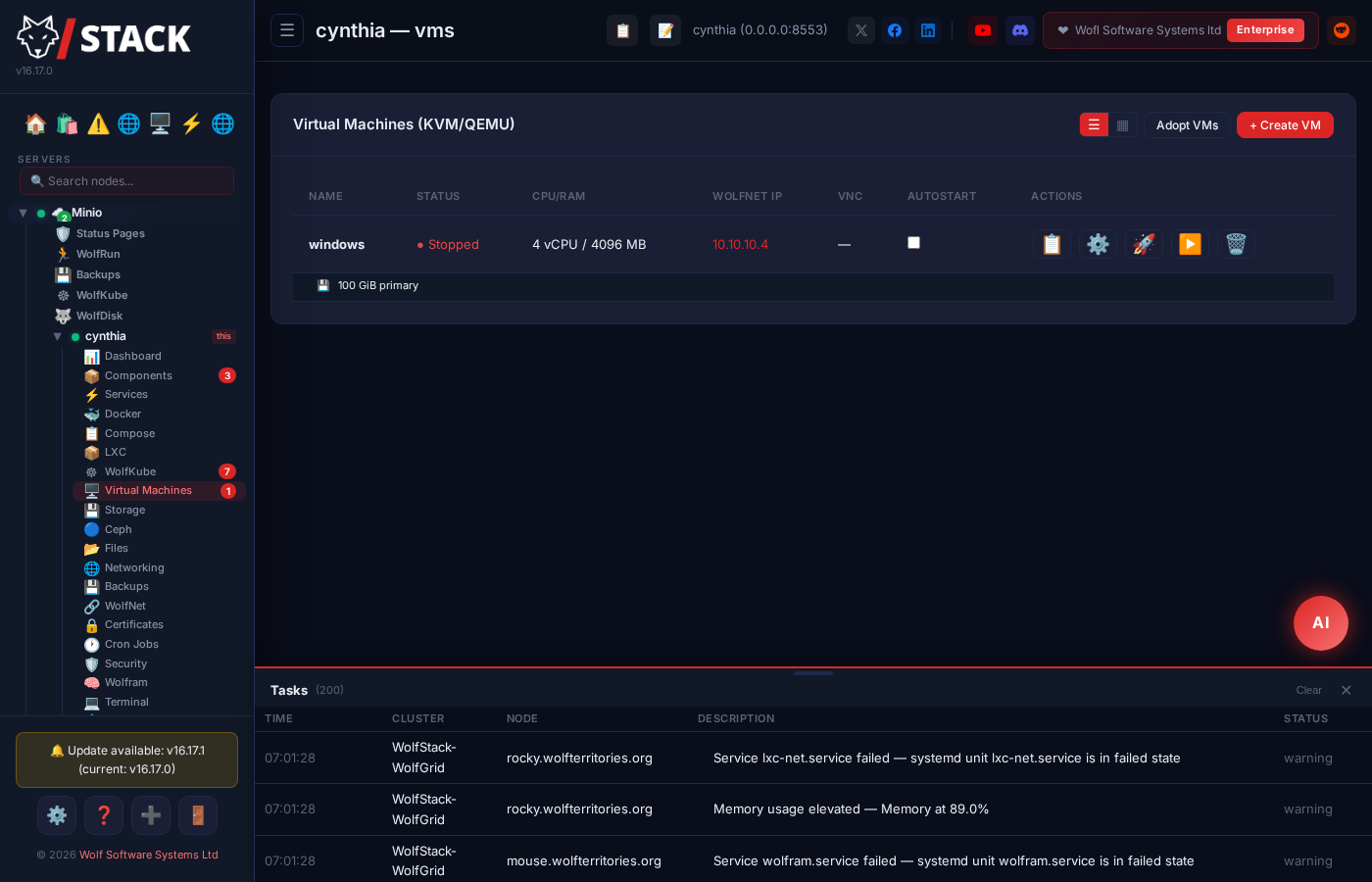
Docker + LXC + VMs + Kubernetes. One interface.
Most tools only do Docker. WolfStack manages Docker containers, LXC containers, and virtual machines with the same UI, same clustering, and same orchestration.
- Create, clone, migrate, and snapshot containers across nodes
- 530+ one-click apps in the built-in App Store
- Install on Proxmox or libvirt hosts — it auto-detects and manages existing VMs
- WolfRun orchestration with automatic container failover
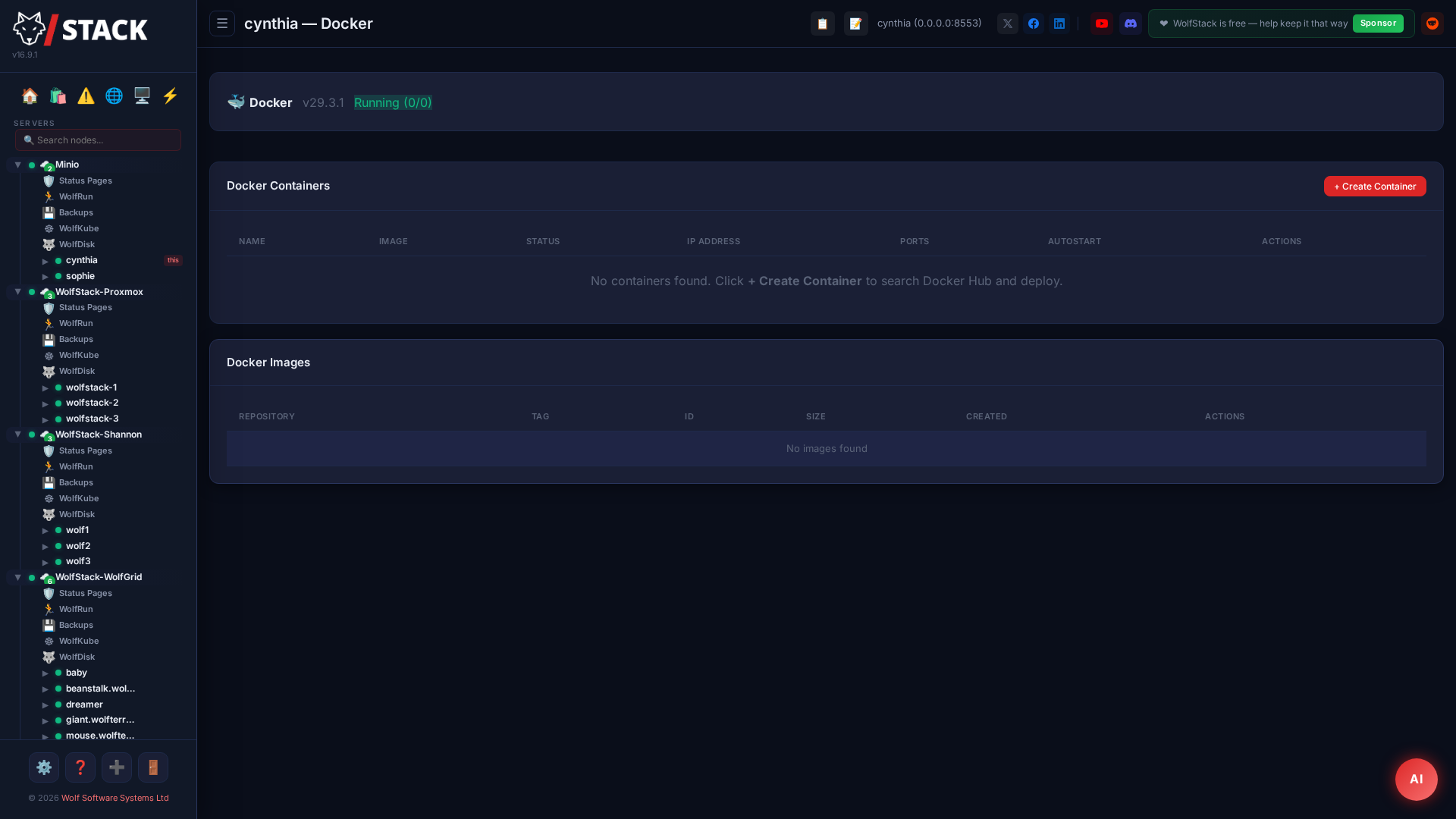
App Store with 530+ applications
The largest self-hosted app store available. Deploy production-ready applications to any node with one click — every app comes pre-configured with the right ports, volumes, and environment variables.
- Media: Plex, Jellyfin, Sonarr, Radarr, Navidrome, and the full Servarr stack
- Dev: GitLab, Gitea, Jenkins, SonarQube, Docker Registry, and more
- AI/ML: Ollama, LocalAI, Stable Diffusion, ComfyUI, Jupyter
- Home: Home Assistant, Node-RED, Frigate, AdGuard, Pi-hole
- Deploy as Docker, LXC, or bare metal with sidecar databases
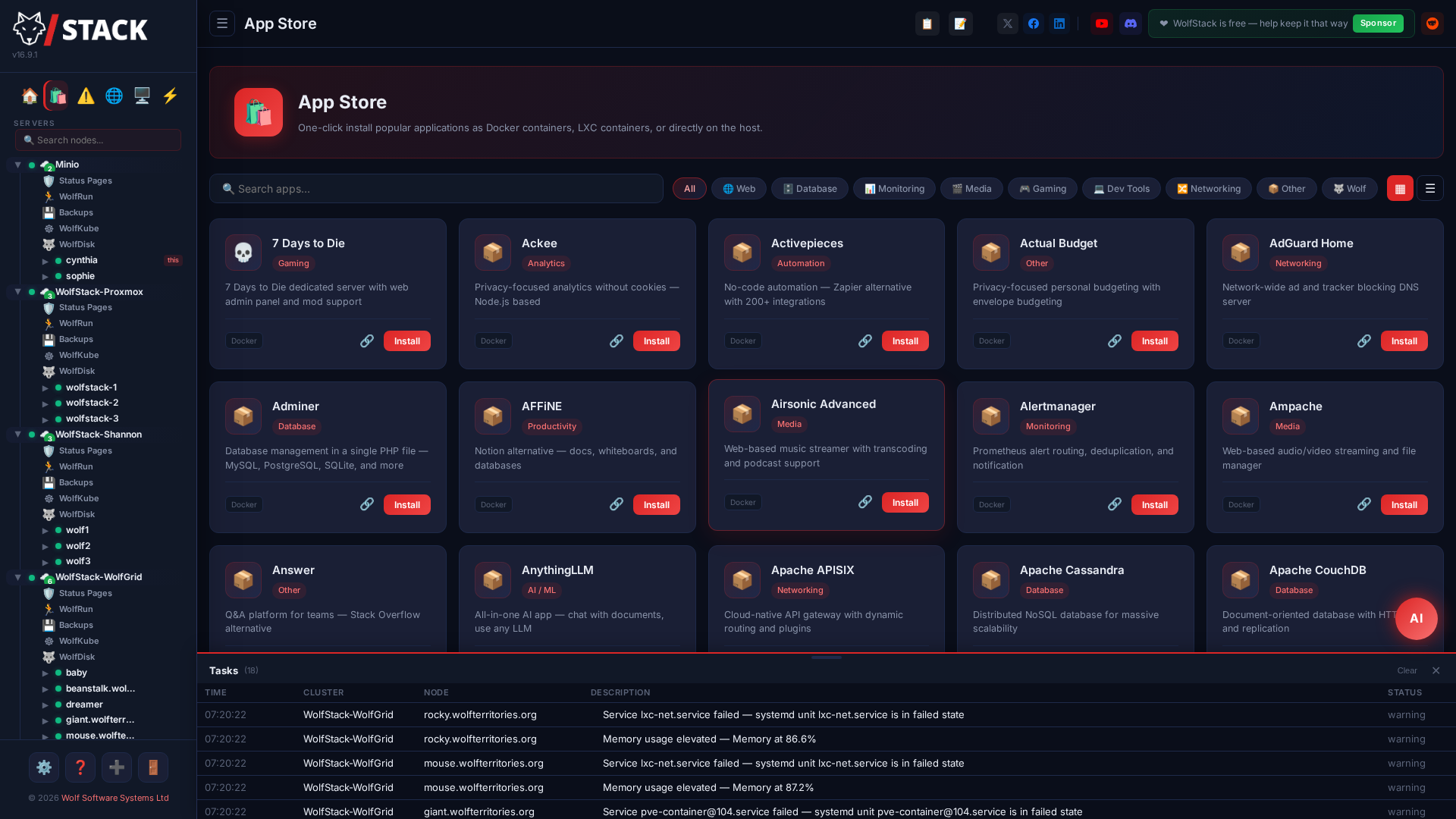
Monitoring, status pages, and alerting built in
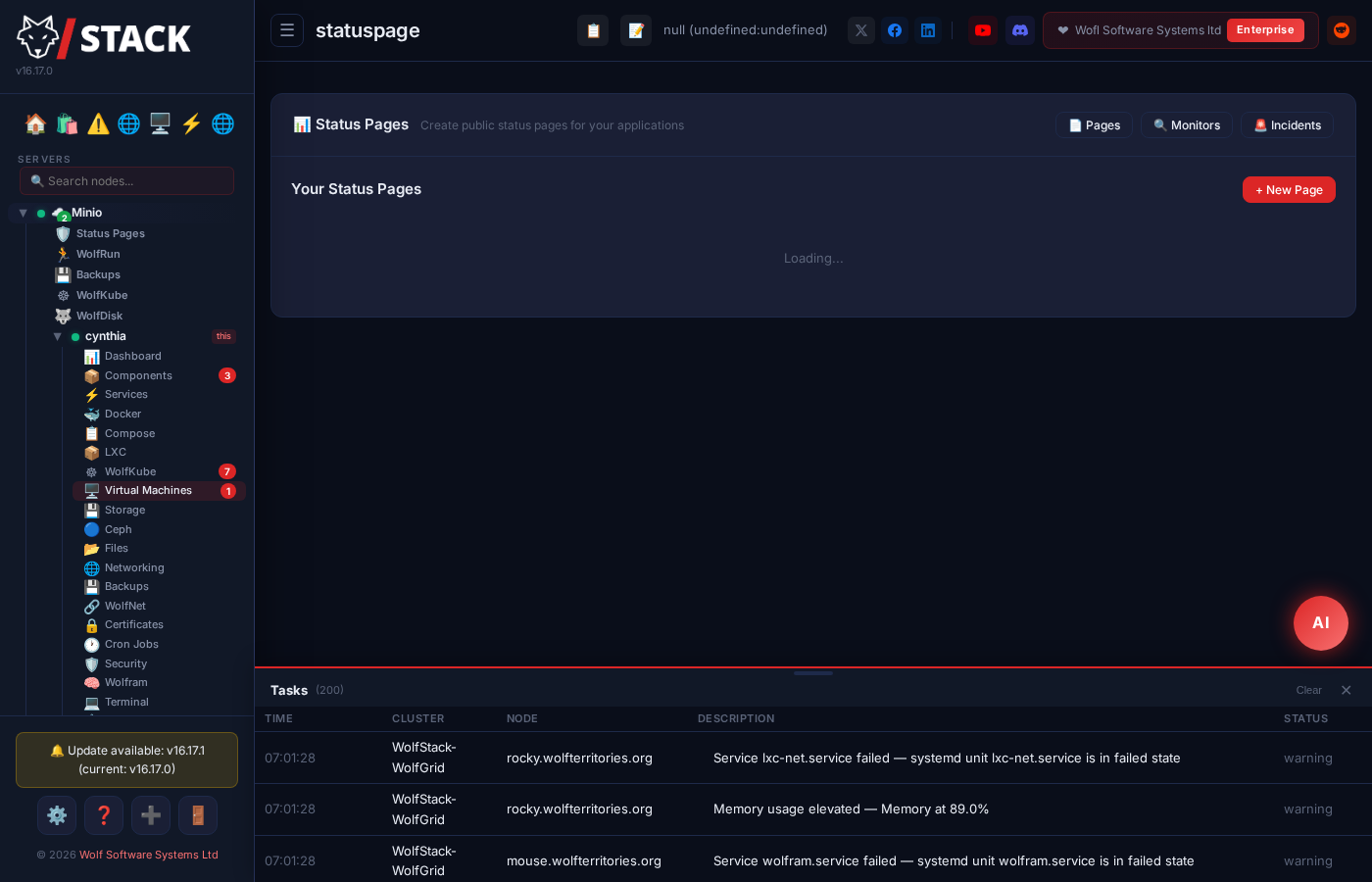
No more running a separate Uptime Kuma instance. Create public status pages, track 90-day uptime history, and get alerts when things go wrong.
- HTTP, TCP, ping, and container health monitors
- Public status pages with custom branding and themes
- Alerts via Discord, Slack, Telegram, and email
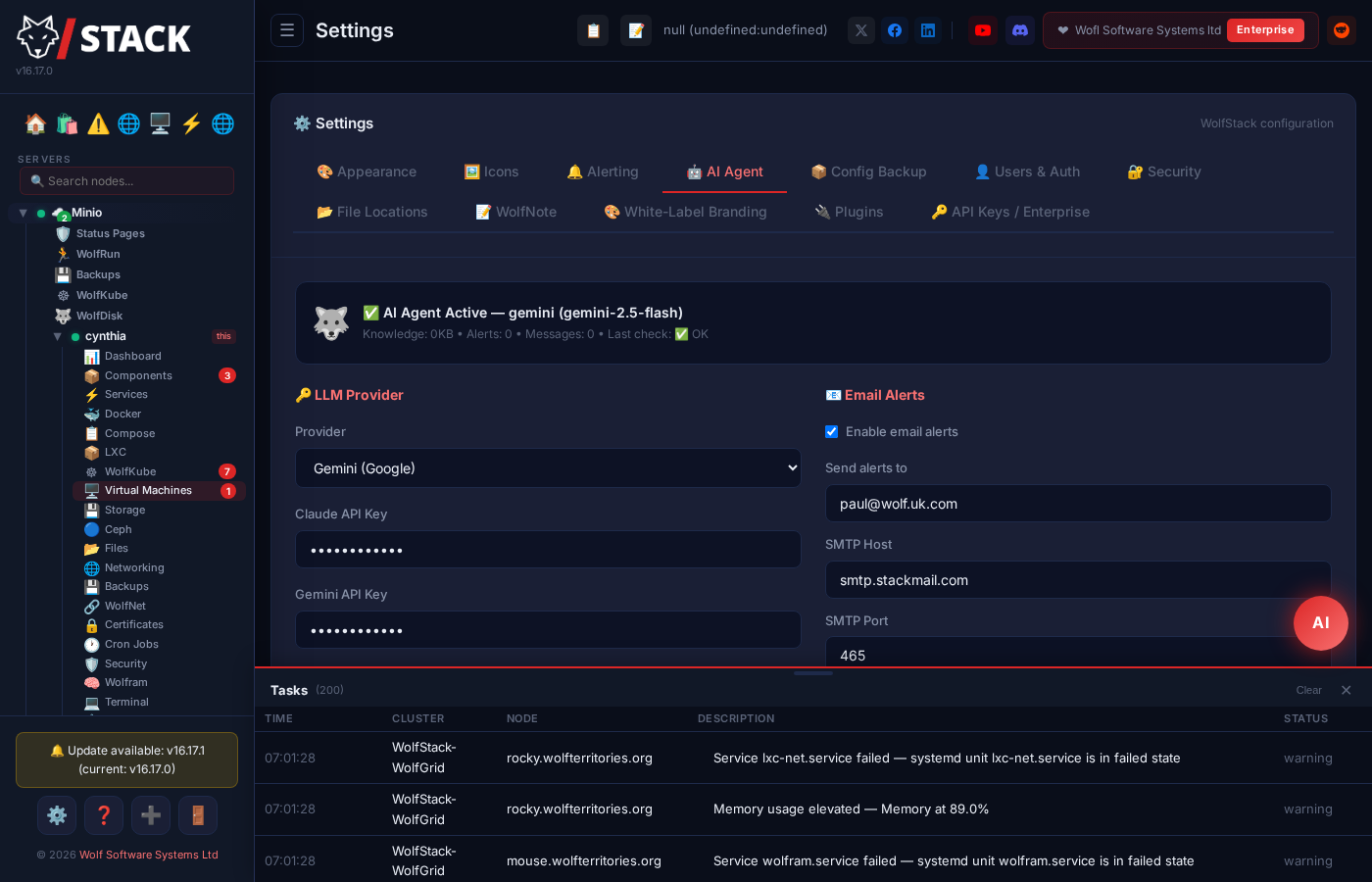
- AI-powered health monitoring with Claude or Gemini
Multi-Server Clustering
Add servers with one click. Real-time metrics, container migration between nodes, and automatic peer discovery.
Encrypted Mesh Network
WolfNet creates an encrypted private network between all your servers. Works across data centres, clouds, and home labs.
Backup & Restore
Schedule backups to S3, Proxmox Backup Server, NFS, SMB/CIFS (Synology/QNAP), local paths, WolfDisk, or remote nodes. Full container config preserved.
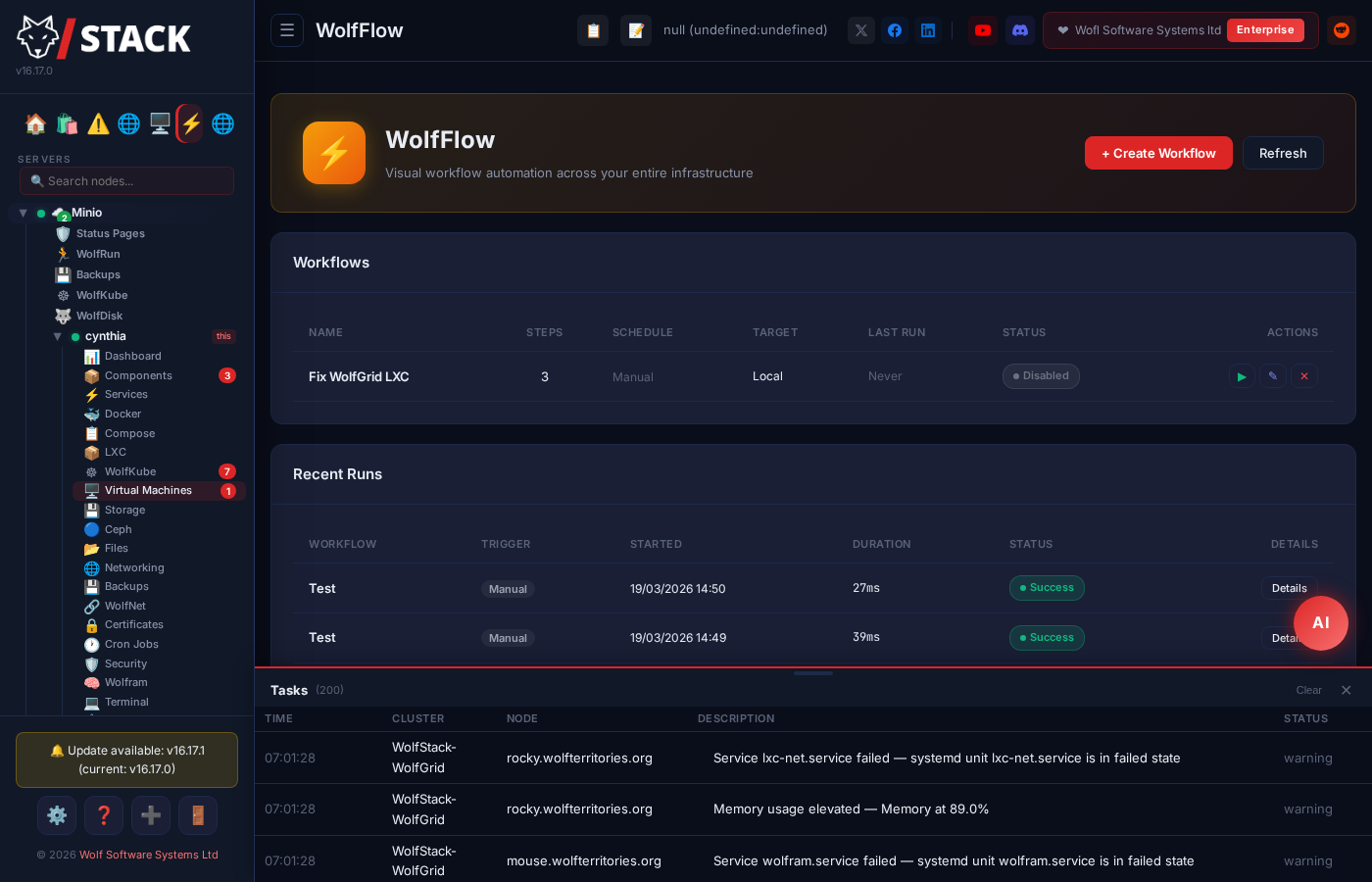
Workflow Automation
WolfFlow’s visual editor builds multi-step runbooks. Schedule with cron, target any node or container.
Kubernetes Management
Provision k3s, MicroK8s, or kubeadm clusters. Pod management, logs, terminal, storage, and WolfNet load balancing.
Storage & Disks
Disk partitioning, SMART health, ZFS pools, Ceph clusters, and S3/NFS/SMB/SSHFS mount management with cluster-wide replication.
Container Failover
WolfRun pre-stages standby containers. If a node goes down, standbys promote automatically. Zero-downtime HA.
Database Editor
Browse and query MySQL, MariaDB, and PostgreSQL databases directly from the dashboard. No phpMyAdmin needed.
Security & Firewall
Fail2ban management, UFW rules, iptables, SSL certificates via Let’s Encrypt, and Nginx/Apache configuration.
USB/PCI Passthrough
Pass GPUs, NVMe drives, USB devices, and network cards directly to VMs. IOMMU group detection and conflict checking built in.
16 Automation Actions
WolfFlow now includes HTTP requests, Docker image updates, NetBird, TrueNAS, Unifi connectors, conditional branching, and notifications.
Docker Image Watcher
Monitors upstream registries for new images. Auto-backup before update with one-click rollback if anything goes wrong.
How does WolfStack compare?
One platform instead of six separate tools — here's the short version.
The Wolf Toolkit
A complete ecosystem for server infrastructure.
WolfStack Flagship
The management platform. Dashboard, containers, VMs, monitoring, App Store, status pages, AI agent.
WolfNet
Encrypted mesh networking with built-in VPN. Connect servers across any network.
WolfRun Built in
Container orchestration with failover. Schedule and scale services across your cluster.
WolfFunctions Built in New
Serverless functions across your cluster. Write or AI-generate a handler; warm gVisor sandboxes run on every node with automatic failover.
WolfFlow Built in
Visual workflow automation. Drag-and-drop runbooks with cron scheduling. Now with AI Invoke + Agent Chat action nodes.
WolfAgents Built in New
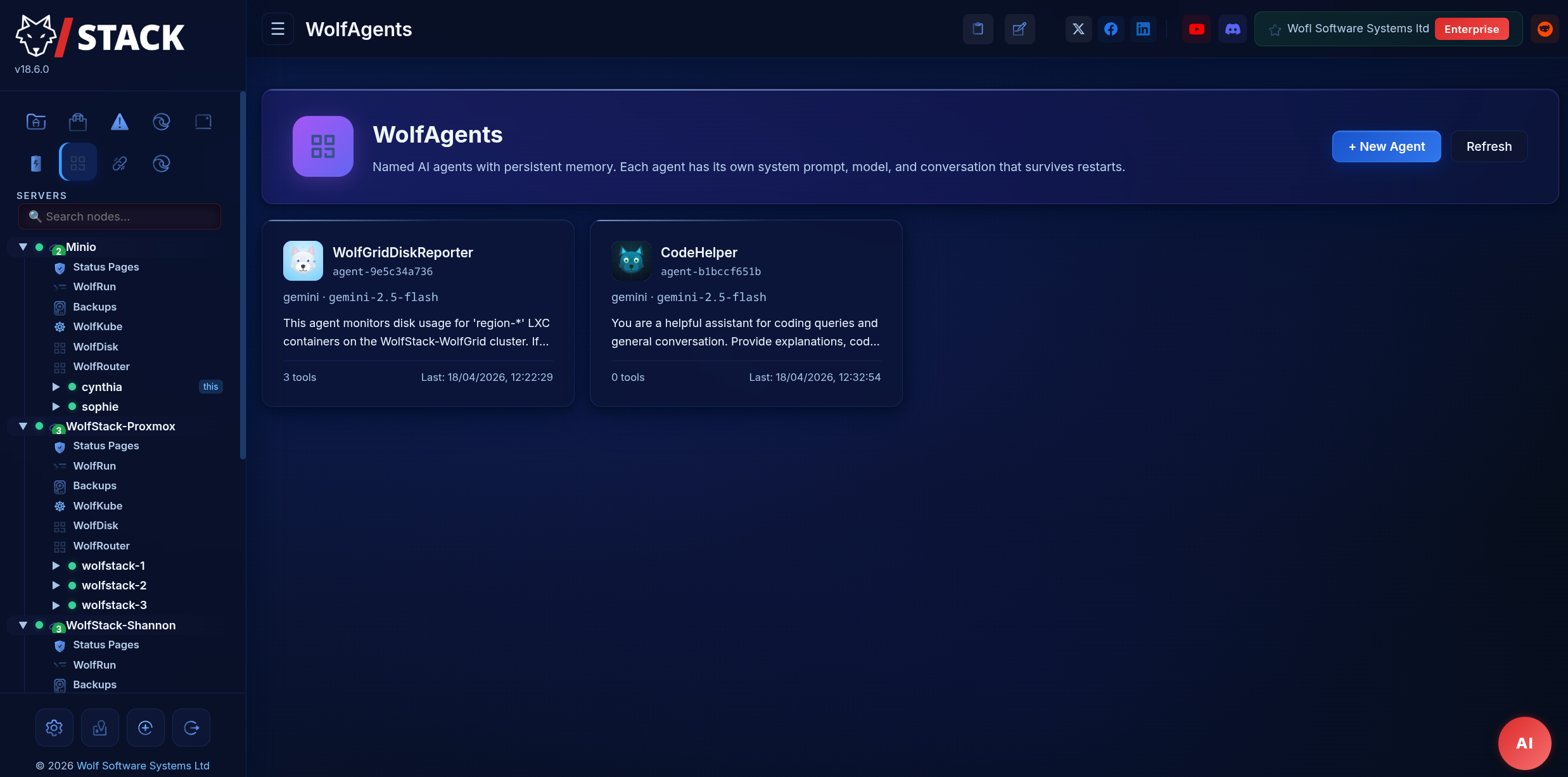
Named AI agents with persistent memory. Reach them from the dashboard, Discord, Telegram, or WhatsApp. Each with its own system prompt, tool allowlist, and audit log.
WolfDisk
Distributed filesystem with content-addressed deduplication.
WolfProxy
NGINX-compatible reverse proxy with built-in firewall.
WolfKube Built in
Kubernetes cluster management. Provision k3s, MicroK8s, kubeadm, and more.
WolfServe
Apache-compatible web server with PHP. Reads existing vhost configs.
WolfHost Free
Complete web hosting platform. Customers, billing, domains, email, SSL, app installer, and white-label portal — free, and runs natively with no DirectAdmin required.
Up and running in minutes
One command on every Linux server you want to manage. No git clone, no compile flags, no manual systemd setup — the installer handles all of it.
curl -sSL https://raw.githubusercontent.com/intelligentwolf/WolfStack/master/setup.sh | sudo bashThe install page covers prerequisites for each distro, cluster setup, ARM / Raspberry Pi, low-disk-space builds, and what to do after the installer finishes.
Simple, honest pricing
Free for personal & non-commercial use. Commercial use of any kind — running it at a company, in a managed-service offering, or as part of a paid product — requires one of the paid tiers. Each tier adds a coherent feature bundle. No per-host counting once you’re past Homelab.
Try the platform end-to-end. Source-available. Personal & non-commercial use only.
Adds clustering, WireGuard bridge, branded status pages, scheduled backups, AI agent.
Everything in Homelab — clustering, WireGuard bridge, status pages, backups, AI agent — with room for a bigger fleet.
Adds OIDC/SSO, unlimited public status pages, 24h email support.
Unlimited hosts, WolfCustom white-label, multi-tenant client portals, plugin SDK — plus SLA, dedicated CSM, SOC2/ISO, on-prem & air-gap, bespoke development.
Replacing Proxmox? Run the maths.
Proxmox VE is GPL, but Proxmox support is billed per CPU socket per year. WolfStack is billed per cluster, flat. Adding a socket doesn’t add a bill.
| A typical SMB / small-fleet setup | Proxmox Standard | WolfStack Homelab |
|---|---|---|
| 1 CPU socket, 1 box | ~£310 / yr | £144 / yr (−54%) |
| 2 sockets, 1 box | ~£620 / yr | £144 / yr (−77%) |
| 4 sockets across 2 boxes | ~£1,240 / yr | £144 / yr (−88%) |
| 12 sockets across a small fleet | ~£3,720 / yr | £1,788 / yr (Team, −52%) |
Proxmox figures are list price for the Standard subscription (365 EUR / CPU / year, converted 1 EUR = 0.85 GBP). WolfStack Homelab is £12 / month, up to 10 hosts (covers all the rows above except 12+ sockets). Bigger enthusiast fleets move to Homelab Plus (£29 / mo, up to 25 hosts), and larger fleets to Team (£149 / mo, up to 150 hosts); unlimited hosts and MSP / white-label deals are Enterprise (sales-led). A “host” is one WolfStack installation. WolfStack also includes Docker, status pages, automation, predictive monitoring, and the App Store at no extra charge — tools you’d add separately on top of Proxmox.

Try it in three minutes.
One command to install. No containers, no database, no dependencies — just a single Rust binary. Free forever for personal use; uninstall is one command if it's not for you.