


Watch: setting up alerting
Channels, thresholds, alert modes, and quiet hours. The written steps are below.
Overview
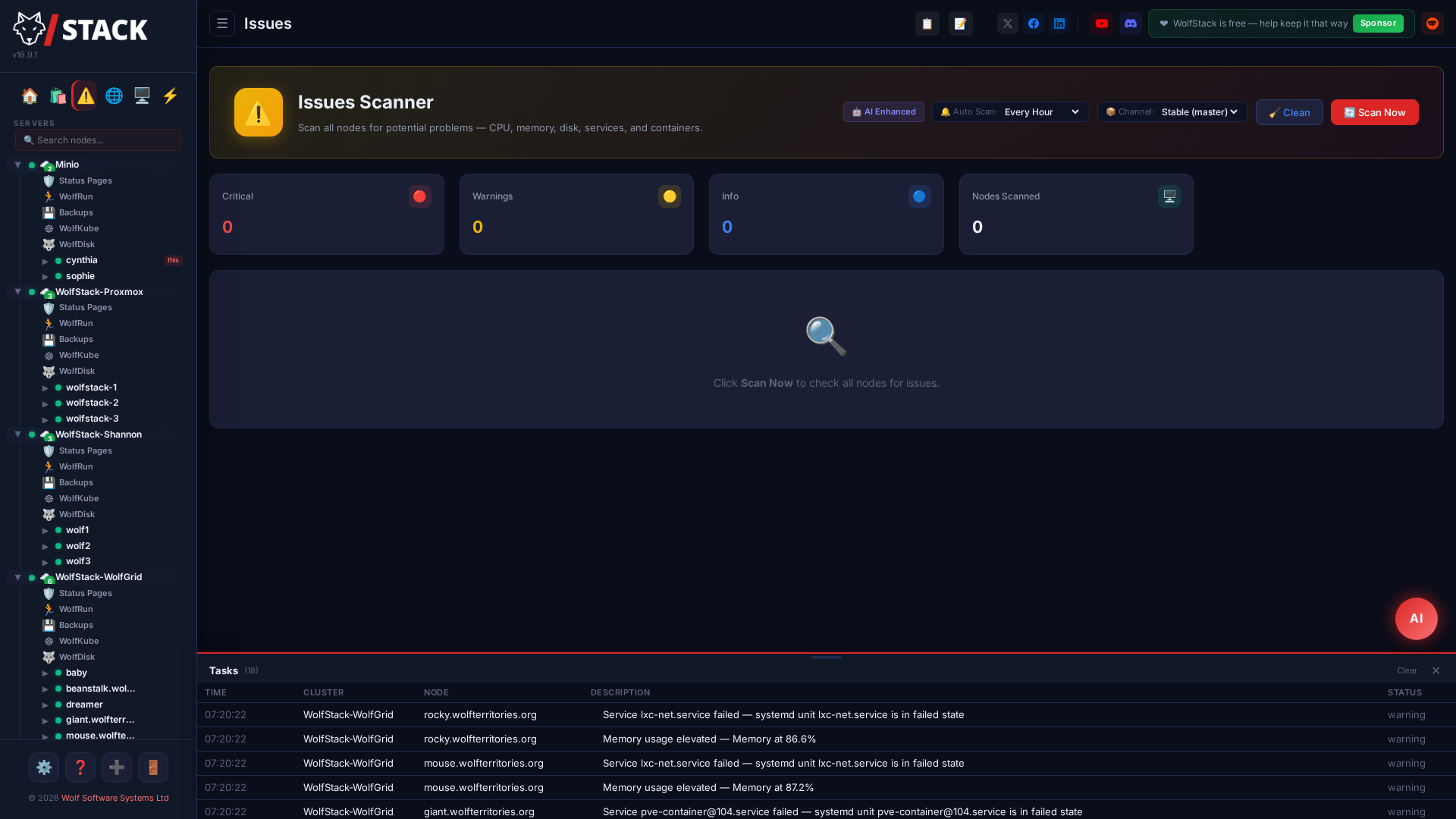
WolfStack sends alerts when resource thresholds are exceeded or critical events occur. Configure alert rules and notification channels from the Settings page.
Setting up alerts — step by step
- Open Settings → Alerting in the WolfStack dashboard.
- Under Notification Channels, add at least one destination — email (SMTP), a Discord/Slack webhook, Telegram, ntfy, or WhatsApp. Paste the webhook URL or fill in the SMTP/API details, then use Send test to confirm it arrives.
- Set your thresholds — the CPU, memory, disk-free, swap and load percentages at which a node should raise a finding. The defaults (90%) suit most fleets.
- Choose an alert mode: Simple pushes only the events worth waking up for, Verbose sends everything. Optionally set quiet hours so non-critical alerts hold until morning.
- Tick the paths you want under Deliver alerts to — see below. Leave them all ticked to keep the classic behaviour (every configured channel gets everything).
- Click Save. From now on, breaches surface once each in the Predictive Inbox and go out on the delivery paths you selected.
Choosing delivery paths
Configuring a channel and using it are separate decisions. Deliver alerts to (Settings → Alerts → Notifications) is a set of tick boxes — Discord, Slack, Telegram, ntfy, Email — controlling which of your configured channels an alert actually goes out on. Set up ntfy and SMTP but only want the phone push? Untick Email and the credentials stay saved, unused.
- All ticked (the default, and what every existing install keeps) means every configured channel receives every alert — identical to how WolfStack behaved before this setting existed.
- Nothing ticked is not "silence": it is stored as "no preference", so all configured channels stay enabled. To stop notifications entirely, untick Enable Alerting.
- Send test follows the same rules, so it answers "will this reach me?" rather than "are these credentials valid?". A channel that is configured but unticked is reported as not selected instead of as a failure — and email is now included in the test.
- WolfNotify rules (container and VM events) can route to a subset of these paths, but never to one you unticked here — this is the master switch.
Outbound Notification Channels
Alerts go out via any of these when thresholds breach or events fire:
| Channel | Method | Configuration |
|---|---|---|
| Discord | Webhook | Paste your Discord webhook URL |
| Slack | Webhook | Paste your Slack incoming webhook URL |
| Telegram | Bot API | Bot token + chat ID |
| ntfy | Push (HTTP) | Topic (treat it as a password on the public server), optional self-hosted server URL and access token |
| SMTP | SMTP server, credentials, and recipient address — configured under Settings → AI → Email alerts, and switched on or off for alerting under Deliver alerts to |
Inbound Bot Channels (for WolfAgents)
Humans can also talk back. If you run WolfAgents, bind an agent to a Discord channel, Telegram chat, or Twilio WhatsApp number and messages there route to the agent.
| Channel | Method | What's needed |
|---|---|---|
| Discord bot New | Gateway (WebSocket) | Discord app with bot user + MESSAGE CONTENT intent enabled. Paste the bot token — distinct from the outbound webhook. Invite the bot to the channels you intend to bind. |
| Telegram receiver New | Bot API long-polling | Reuses the existing Telegram bot token. Tick Enable Telegram receiver to turn on the long-polling loop. Existing outbound-only installs are unaffected until you opt in. |
| WhatsApp (Twilio) New | Webhook + Twilio REST | Twilio account + WhatsApp-enabled sender number. Point Twilio's "when a message comes in" URL at https://<your-wolfstack>/api/whatsapp/webhook. Twilio's HMAC-SHA1 signature is validated on every request — unsigned or forged requests are rejected with 403 before touching the agent. |
Discord webhook (outbound) and Discord bot token (inbound) are two different credentials. Keep both configured if you want alerts to post AND users to chat. See WolfAgents for the per-agent channel binding flow.
Alert Types
System Thresholds
- CPU usage — Alert when CPU exceeds a configurable percentage
- Memory usage — Alert when RAM exceeds a configurable percentage
- Disk usage — Alert when disk space exceeds a configurable percentage
- Swap usage — Alert on excessive swap usage
- Load average — Alert on high system load
Container Alerts
- Container memory — Per-container memory thresholds for Docker and LXC
- Container stopped — Alert when a monitored container stops unexpectedly
Infrastructure Events
- Node offline — Alert when a cluster node becomes unreachable
Behaviour
- Alert checks run every 60 seconds (configurable)
- A 15-minute cooldown prevents repeated alerts for the same threshold breach
- In a cluster, one node is automatically elected as the primary alerter to avoid duplicate notifications
- Use the Test button to verify your notification channels before enabling alerts
Configuration
Go to Settings → Alerting to configure webhook URLs, email settings, and thresholds.
Security Scan Interval
The built-in security scanner (SSH brute-force, crypto miner, world-readable cluster_secret, etc.) used to re-run every 15 minutes hard-coded. At cluster scale that's a steady drip of CPU and — when AI assistance is on — AI tokens for posture checks that don't need sub-hour cadence.
The interval is now operator-configurable from Settings → Alerting with four options:
- 1 hour — tight detection for high-threat environments.
- 4 hours (default) — balanced; an attacker who got in an hour ago still gets caught at the next tick.
- 8 hours or 12 hours — minimal noise on low-threat homelab clusters.
Existing installs upgrade silently to the 4-hour default. On-demand scans via System Check still run instantly, so operators chasing a specific suspicion don't have to wait for the next tick.
Host Mail Relay (sendmail for the whole server)
WolfStack’s own alert email goes straight to your SMTP server — but plenty of host software (cron MAILTO, PHP mail(), monitoring scripts, app-store applications) expects a local /usr/sbin/sendmail binary, and on a modern minimal host there is none. The Host Mail Relay fixes that in one click.
From Settings → AI & Email, enable the relay on any node (there’s a per-node picker): WolfStack installs the tiny msmtp relay on demand, writes its config from the SMTP settings you already entered for alert email, and provides /usr/sbin/sendmail — every host program that shells out to sendmail now delivers through your relay.
- Won’t clobber a real MTA — if the node already has Postfix/Exim/another sendmail, WolfStack refuses unless you explicitly force it (the original binary is backed up and restored on disable).
- Test button — sends a real message through the relay so you know it works before cron does.
- Note on credentials — the msmtp config is host-readable so services like
www-datacan send; the UI recommends a dedicated relay credential rather than your personal mailbox password.
Credentials & Secret Handling
Both Discord bot tokens and Twilio auth tokens are write-only from the UI. The config API exposes a has_discord_bot / has_twilio_auth boolean so the frontend can show "configured" without ever reading the secret back. /etc/wolfstack/alerts.json is set to 0o600 on every write so the file can't leak to other local users.
Twilio webhook signature validation uses constant-time comparison — a timing-attack-resistant HMAC-SHA1 check against every inbound POST before the agent layer is touched. Requests from anyone who doesn't know the auth token are rejected with 403 at the webhook handler.